AI Tools for App Development
by Christian Drapatz

Our macOS apps support developers with everyday tasks that often take a lot of time but offer little enjoyment. They help keep content well organized, documented in a reusable way, and consistent across projects, instead of struggling with folder chaos, copy-and-paste, and manual lists.
A key focus is text work around software projects, including localization, App Store content, technical documentation, and the structured post-processing of crash reports. The goal is to make information easier to access, simplify comparisons, and capture results in a way that remains understandable and reusable later on.
AI can optionally support these workflows, for example for writing, translating, or summarizing content. It is not a requirement, though. If you prefer to work without AI, everything can be done manually or via templates that are executed in external tools. If you choose to integrate AI, you can speed up your workflow while staying in full control of what data is sent.
Openness is important to us. Instead of being locked into a single provider, you can choose between different services depending on your needs, including OpenAI, Google Gemini, Anthropic Claude, Perplexity AI, and DeepL, and compare results. At the same time, all data remains local on your Mac, with no cloud dependency or automatic data transfer.
AI Text Editor
Your AI-powered writing assistant for iPhone and iPad
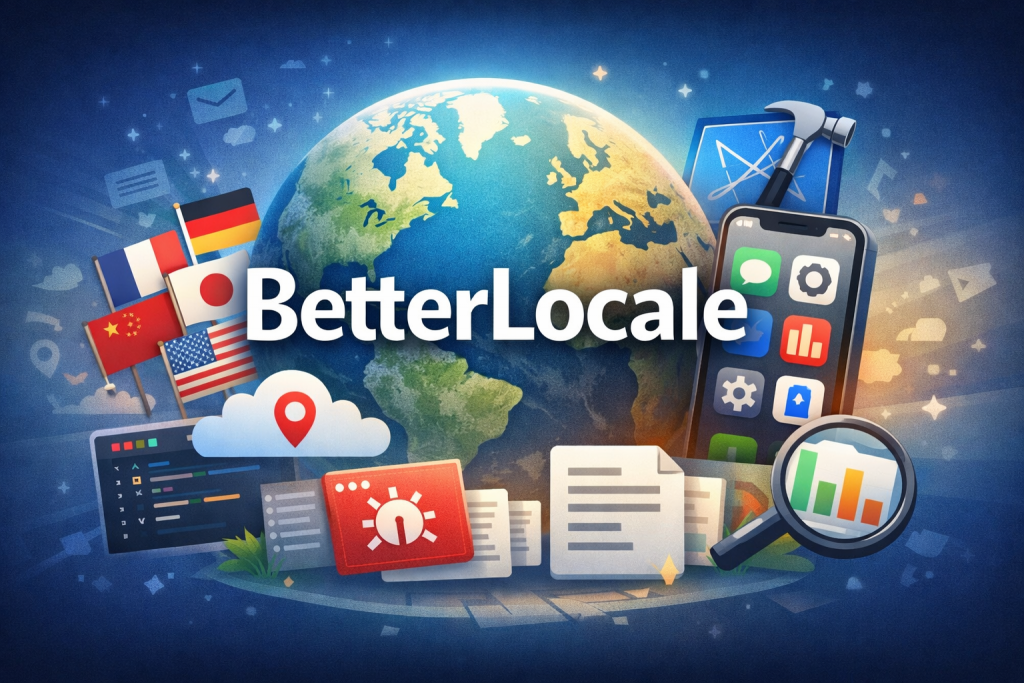
AI Text Editor is an iOS tool that finally makes writing, improving, and translating text as simple as you’d want it to be. Instead of switching back and forth between a notes app, a translator, and a chatbot, you write everything in one focused editor that integrates AI directly into the writing process. Whether notes, emails, blog posts, or social media posts: you stay in control without jumping between apps.
The big advantage is the openness of the AI integration: you bring your own API key, whether from OpenAI, Anthropic Claude, Google Gemini, Perplexity, or xAI Grok, and pay for usage directly with the provider, with no markup and no subscription. Over 100 AI templates handle typical tasks with a single tap, from proofreading to rephrasing to translation, and if you’d rather stay offline, 57 local text transformations work completely without AI.
Because AI Text Editor works directly on your document, it fits perfectly into everyday writing: your texts stay local on your device and optionally sync encrypted via iCloud, an automatic save system protects every AI action from data loss, and exporting as Markdown, PDF, or printing takes just a few taps. In the end, it’s the ideal companion for anyone who wants to write quickly, stay in control, and avoid hidden costs, whether with or without AI.
AI Markdown Editor
AI-powered Markdown editor for iPhone and iPad
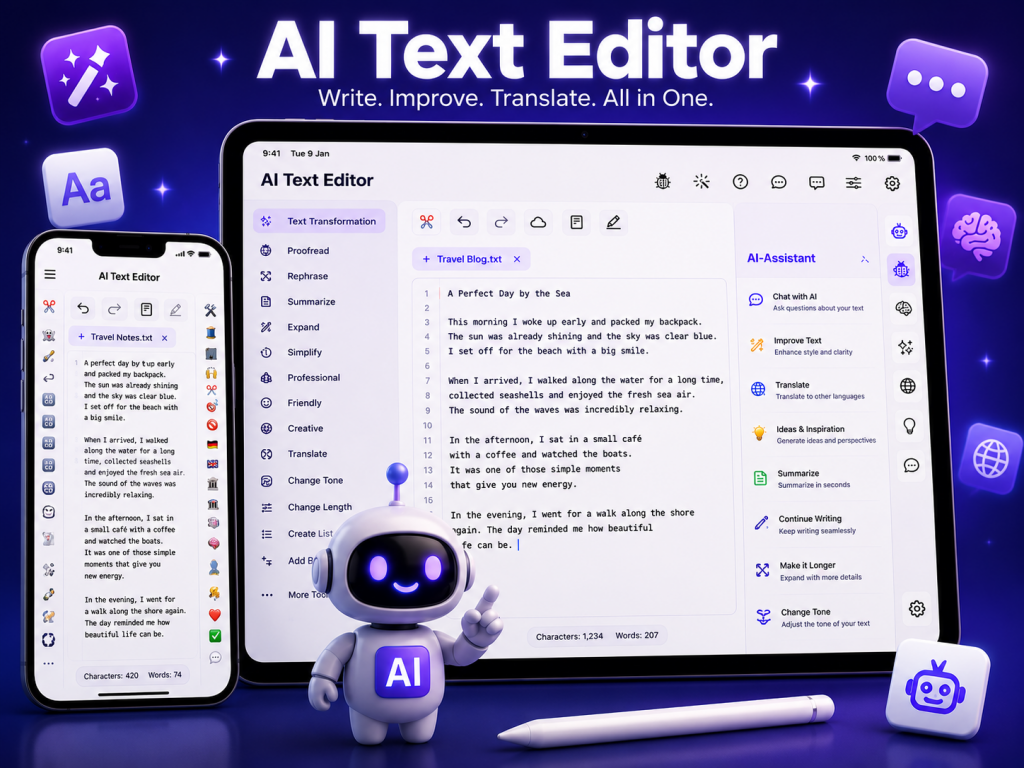
AI Markdown Editor is the focused app for anyone who works with Markdown regularly, developers, technical writers, bloggers, and anyone who writes structured notes. You write clean Markdown and, thanks to the live preview, immediately see the finished result, whether README files, documentation, technical manuals, or blog posts, all in a clean, distraction-free interface with full support for GitHub Flavored Markdown.
The big advantage is the optional AI integration: you bring your own API key, whether from Anthropic Claude, OpenAI, Google Gemini, Perplexity, or xAI Grok, and build reusable AI templates for exactly your tasks, from correcting to summarizing to rephrasing. The AI always returns clean, directly usable Markdown, with no introductory chit-chat and no distracting code block wrapper.
Because the editor is consistently built around Markdown, with a monospace font, line numbers, disabled autocorrect, and true GitHub Flavored Markdown, AI Markdown Editor fits seamlessly into everyday technical writing. Your documents sync automatically via your private iCloud, can be printed, saved as PDF, or shared as an .md file, all for a one-time €1.99, with no subscription and no hidden costs.
BetterLocale Crash
AI-powered analysis of crash and log files
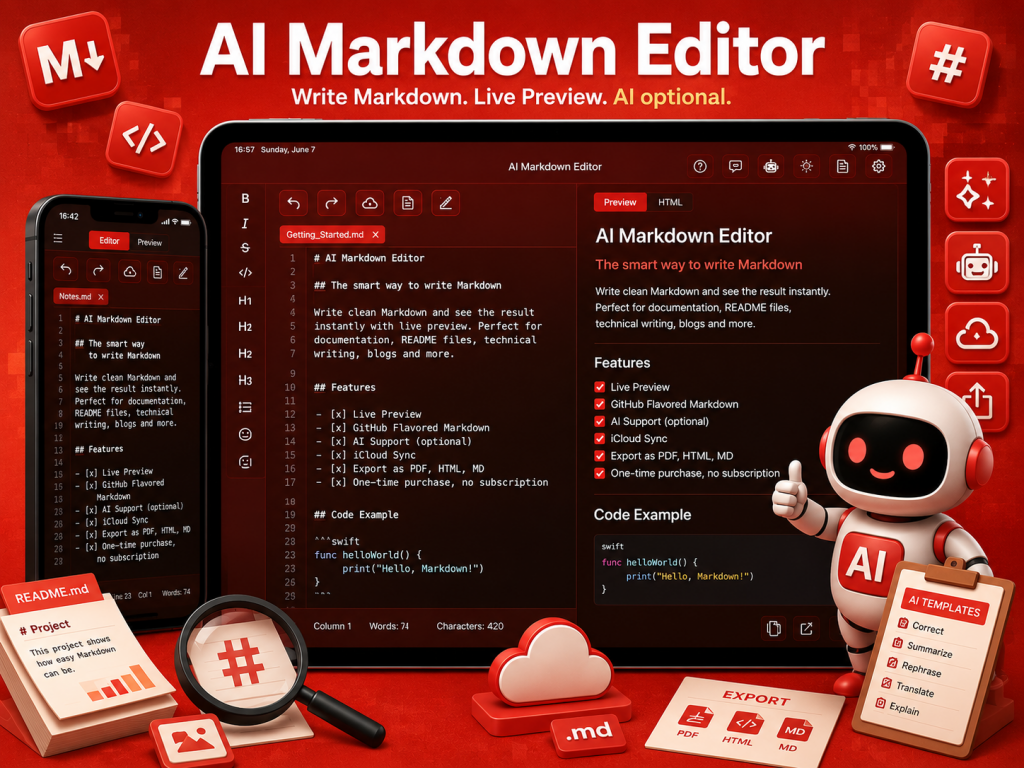
BetterLocale Crash helps you quickly understand and clearly document iOS and macOS crash logs. While traditional monitoring tools reliably report that an error has occurred, BetterLocale Crash focuses on the why. The app imports crash and log files, automatically reduces large reports to the relevant parts, and makes them easier to compare.
During import, meaningful stack frames are extracted, root causes can be narrowed down more precisely, and duplicates are detected independently of app version or thread. This keeps even large crash collections manageable and prevents you from repeatedly analyzing the same variations.
For analysis, you have three options depending on your setup and working style. You can work completely manually and record your assessment, root cause, and notes directly in the editor. If you want to use AI but do not have your own account or API key, BetterLocale Crash generates structured templates that you can run in an external AI client such as ChatGPT. You then copy the result back into the app via the clipboard. If you already have an account with a provider, you can generate analyses directly inside the app. This is optional, but it saves noticeable time because it removes the detour through external tools and stores results immediately.
Optional source code can be added as context. Crashes can be filtered, grouped, and managed using status values. All data remains local on your Mac. Supported providers include OpenAI, Google Gemini, Anthropic Claude, Perplexity AI, and xAI Grok. BetterLocale Crash is deliberately not a monitoring tool like Sentry, but a tool for structured post-analysis, comparison, and documentation of crash logs.
BetterLocale MarkDown
AI-assisted writing and editing in Markdown
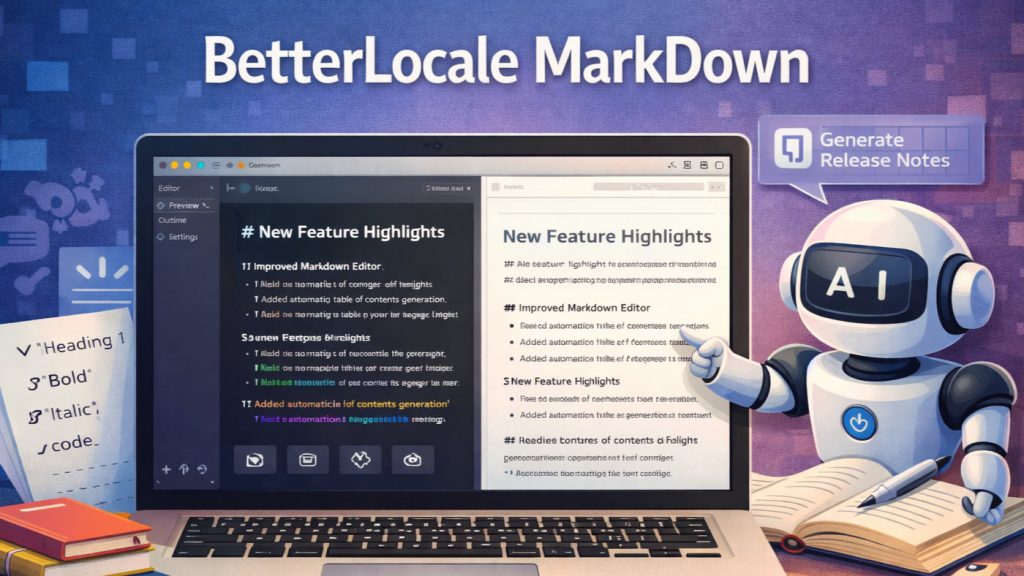
BetterLocale MarkDown isn’t a typical Markdown editor. It’s a writing tool with a clear structure and a strong AI focus. You write in clean Markdown, see a live preview instantly, and stay in the flow because there’s no layout fiddling to slow you down. Everything feels lightweight, but underneath it’s an assistance system that helps exactly when a text still isn’t quite right.
The integrated AI isn’t a gimmick. It’s a practical tool for real writing. You can make sections easier to understand, shorten or expand them, rewrite passages, or change the tone without leaving your document. That’s especially valuable for technical content: instead of starting from scratch every time, you take an existing draft and improve it step by step until it reads professionally.
BetterLocale MarkDown is particularly strong when it comes to translations. It’s not about word-for-word output, but about meaning, style, and terminology. You can provide guidelines, enforce fixed terms, and define rules so your texts stay consistent across languages. This is a great fit for release notes, App Store copy, documentation, or anything that needs to sound equally polished in multiple languages.
To avoid repeating the same work over and over, you can use AI templates. These are saved instructions that capture your standards, for example for proofreading, style rules, or translation guidelines. This turns a vague “make it nicer” into a reproducible workflow that delivers reliably. If you want, the AI can also turn rough notes into a clean Markdown structure, so you get to a finished document faster.
You stay in control at all times: AI is optional, it only processes selected text, and you decide what to accept. Your content remains local on your Mac, and you can optionally sync documents via iCloud across your devices, without relying on the vendor’s own servers. In the end, it’s less “an editor with a bit of AI” and more a reliable co-writer for everyday Markdown work.
BetterLocale Code
AI-powered localization for Xcode projects
BetterLocale Code is a macOS tool that finally makes Xcode localization as manageable as developers expect it to be. Instead of getting lost in .lproj folders, .strings files, and .xcstrings versions, you work centrally in a single editor that is aligned with your Xcode project. You immediately see which keys are missing, where translations are incomplete, and which languages are out of sync. No searching, no guesswork, no copy-paste chaos.
The major advantage is the translation workflow. You can localize your app into virtually any language without setting up an expensive or slow process. If you want, you can use AI directly in the app via your own provider accounts, such as OpenAI, DeepL, Gemini, Claude, or Perplexity. You control how much context you provide, what level of quality you expect, and how costs are managed. If you prefer not to use direct API access, BetterLocale Code generates clean templates and instructions that you can run in external tools like ChatGPT. You then copy the result back and continue managing everything in one place.
Because BetterLocale Code works directly on your project, it fits seamlessly into the Xcode workflow. You are not translating “somewhere else,” but directly on the strings that actually end up in the build. Conversions between XCStrings and .strings are done with a single click, and iteration is faster because texts immediately reappear in the project. In the end, it is an ideal complement to Xcode: Xcode supports localization, but BetterLocale Code makes it fast, clear, and affordable—especially when many languages and frequent updates are involved.
BetterLocale Store
AI-powered localization for App Store Connect metadata
Available from the end of February 2026.
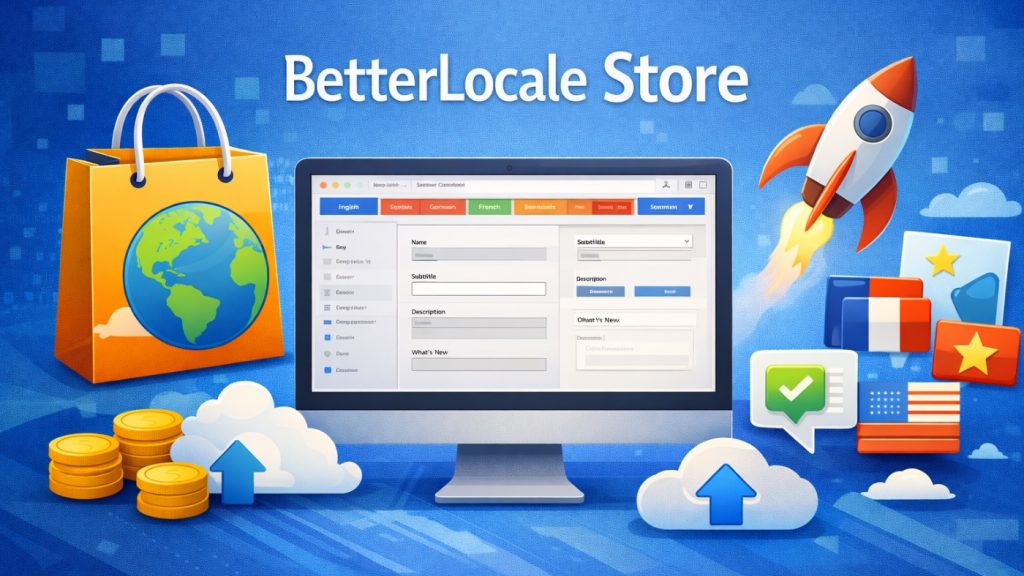
BetterLocale Store makes App Store localization on the Mac finally stress-free. You edit all App Store Connect texts in one place instead of juggling countless tabs, copy-paste fragments, or outdated spreadsheets. You instantly see which languages are incomplete, where texts exceed limits, and whether your content is still consistent across all localizations. This keeps your store presence coherent, even when you frequently refine texts or add new languages.
Translation is flexible and adapts to how you prefer to work. If you do not want to use your own AI account, the app can generate clean templates and translation instructions for external tools such as ChatGPT. You run the translation there and conveniently paste the result back into BetterLocale Store. If you already have accounts, you can trigger translations directly in the app via API, for example using OpenAI, DeepL, Gemini, Claude, or Perplexity. Your data stays local on the Mac, and costs only arise through your own provider accounts.
In short, BetterLocale Store takes care of the tedious parts: keeping things organized, finding gaps, maintaining texts cleanly, and integrating translations into your workflow in a controlled way. It is ideal for indie developers and teams who want to manage App Store metadata quickly, consistently, and affordably across many languages.
BetterLocale Doc
AI-powered translation for websites, documents, and texts
BetterLocale Doc provides AI-assisted translation for almost any type of content. Whether it is short UI text, longer documents, website content, app copy, or technical documentation, everything is edited in a single central editor without constantly switching between tools.
The app deliberately gives you full flexibility in how you work. You can create translations completely manually and maintain them directly in the editor if you want maximum control or consciously choose not to use AI. Alternatively, BetterLocale can generate structured AI templates that you execute via the clipboard in an external AI client such as ChatGPT. You then import the result back into the app, without requiring an API connection inside the app.
If you already have an account with an AI provider, you can also trigger translations directly within the app. Currently supported providers include OpenAI, DeepL, Gemini, Claude, and Perplexity. You decide which service to use, can compare results, and choose the provider that best fits your tone, quality expectations, or cost requirements.
Regardless of the chosen workflow, you can always add context, additional notes, or style guidelines so translations better match the target audience and purpose. The app remains flexible and does not force you into rigid formats. It works equally well for quick one-off translations and for larger content sets across many languages.
Legal Notice / Privacy Policy
Provider:
Christian Drapatz
Kämpenstraße 42
45147 Essen
Germany
Contact:
Email: support (at) onetwoapps.com
Phone: +49 (0) 171 7849462 (nur geschäftliche Anfragen)
Web: https://www.onetwoapps.com
Notice
BetterLocale Code is a macOS app and is distributed and sold through the Apple App Store.